Dedicated routine-support device

Preparing viewer

You usually knew the task. Starting was the hard part.

A physical cue for follow-through.

Pavclock turns a reminder into a visible start-and-complete loop that stays in the room.

Help shape the first version

How it works

A simple loop for the moment when "in a minute" becomes much later.

Pavclock keeps the next step obvious. It is not asking you to plan better. It is helping you start, stay with the task, and close the loop.

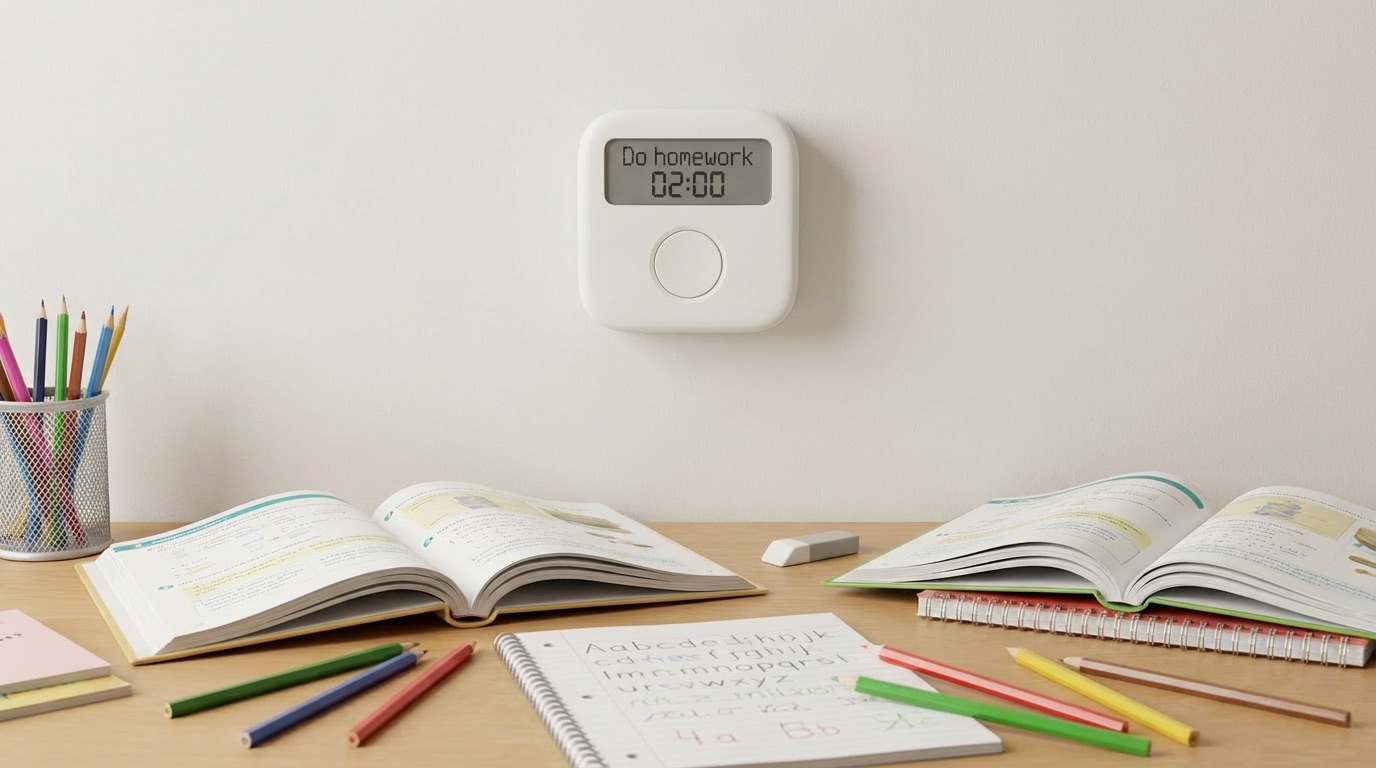
Pavclock mounted above a desk showing a homework task

In the room

The prompt stays visible while the task is supposed to happen.

That is the point of the hardware. Instead of asking you to remember a notification from ten minutes ago, Pavclock keeps the next step physically present until the routine starts.

01

Prompt

01

The routine becomes physically visible before anything else happens.

What Pavclock does

Shows the task clearly on a simple display that stays in sight.

Why it helps

The next step is present in the room instead of buried inside another app or notification.

02

Start

02

The first press begins the task instead of ending the reminder.

What you do

Press once to start the routine when you are actually ready to move.

What changes

It turns the moment of hesitation into a small physical commitment instead of another delay.

03

Timer

03

The countdown stays with the routine while it is in progress.

What Pavclock does

Keeps the timer visible without mixing the task into a feed of other interruptions.

Why it helps

The routine remains the focus instead of becoming one more notification you barely remember seeing.

04

Complete or escalate

04

The loop stays open until the task is finished or the cue gets harder to ignore.

What you do

Press again to confirm the routine is actually complete.

If it drifts

Pavclock escalates instead of silently disappearing while the task gets left half-done.

Why not your phone

A phone reminder ends when you dismiss it. Pavclock begins when you press start.

Pavclock is meant to feel different from both a phone reminder and a basic alarm clock: visible in the room, task-based instead of time-only, and built around completion instead of dismissal.

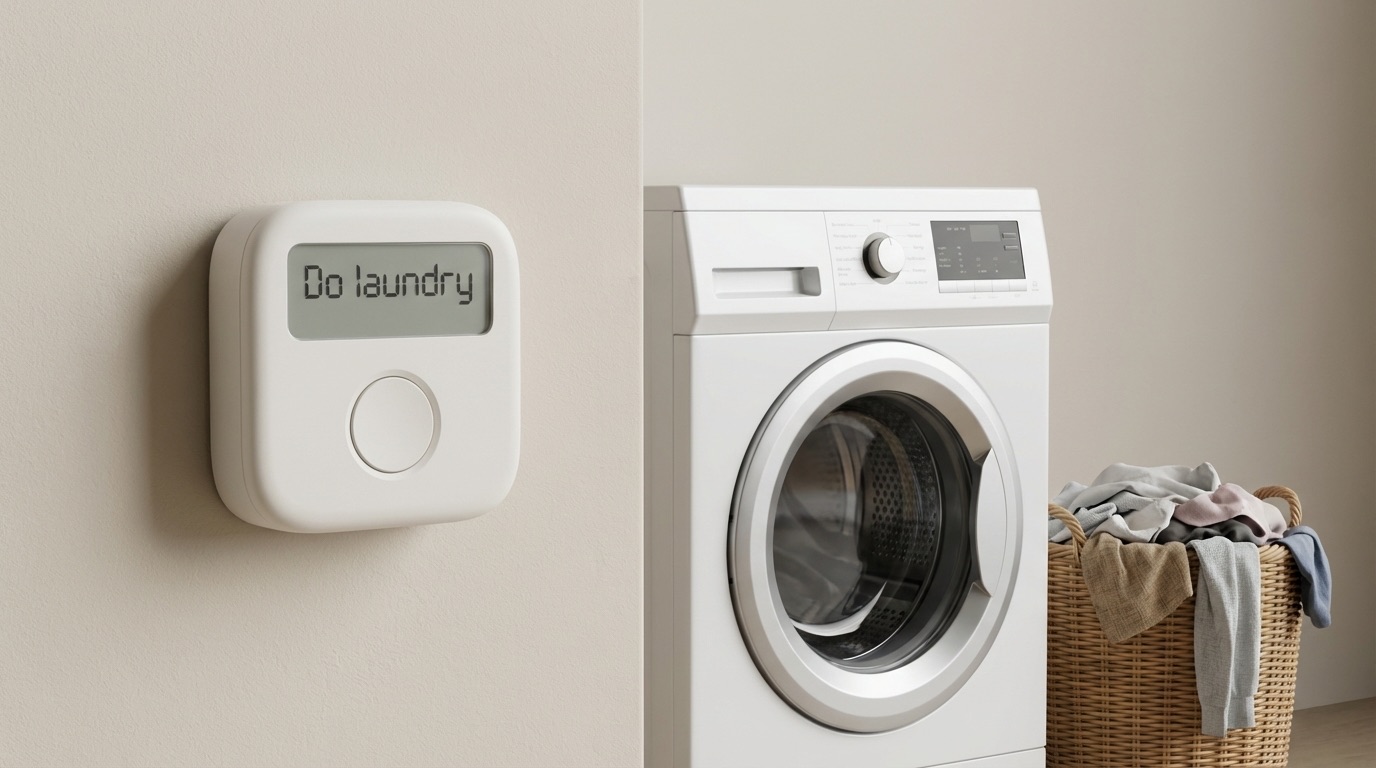
Pavclock displayed near a washing machine showing a laundry routine

Real placement

It is easier to follow through when the cue lives where the routine actually happens.

A phone reminder disappears back into the phone. Pavclock can stay near the sink, the desk, or the laundry area and keep the task anchored in the physical world.

Presence

Where the cue lives matters.

01

Where the cue lives matters.

Phone reminder

Behind the lock screen, mixed in with everything else on the device.

Pavclock

In the room, visible as a dedicated object with one clear job.

Action

Most reminders stop too early.

02

Most reminders stop too early.

Phone reminder

Often ends with a swipe, a snooze, or a quick promise to do it later.

Pavclock

Starts with a physical press and later asks you to confirm completion.

Distraction risk

The wrong device can pull you away from the task itself.

03

The wrong device can pull you away from the task itself.

Phone reminder

Can send you straight back into messages, tabs, and other unfinished things.

Pavclock

Keeps your attention on the routine instead of a broader device ecosystem.

Follow-through

The loop should stay open until the task is actually done.

04

The loop should stay open until the task is actually done.

Phone reminder

The reminder can disappear before the task ever really begins.

Pavclock

The routine stays open until you finish it or the device escalates.

Who it is for

Designed for people who respond better to a physical cue than a passive reminder.

Pavclock is for routines that sound simple on paper, yet still get postponed, started late, or forgotten halfway through.

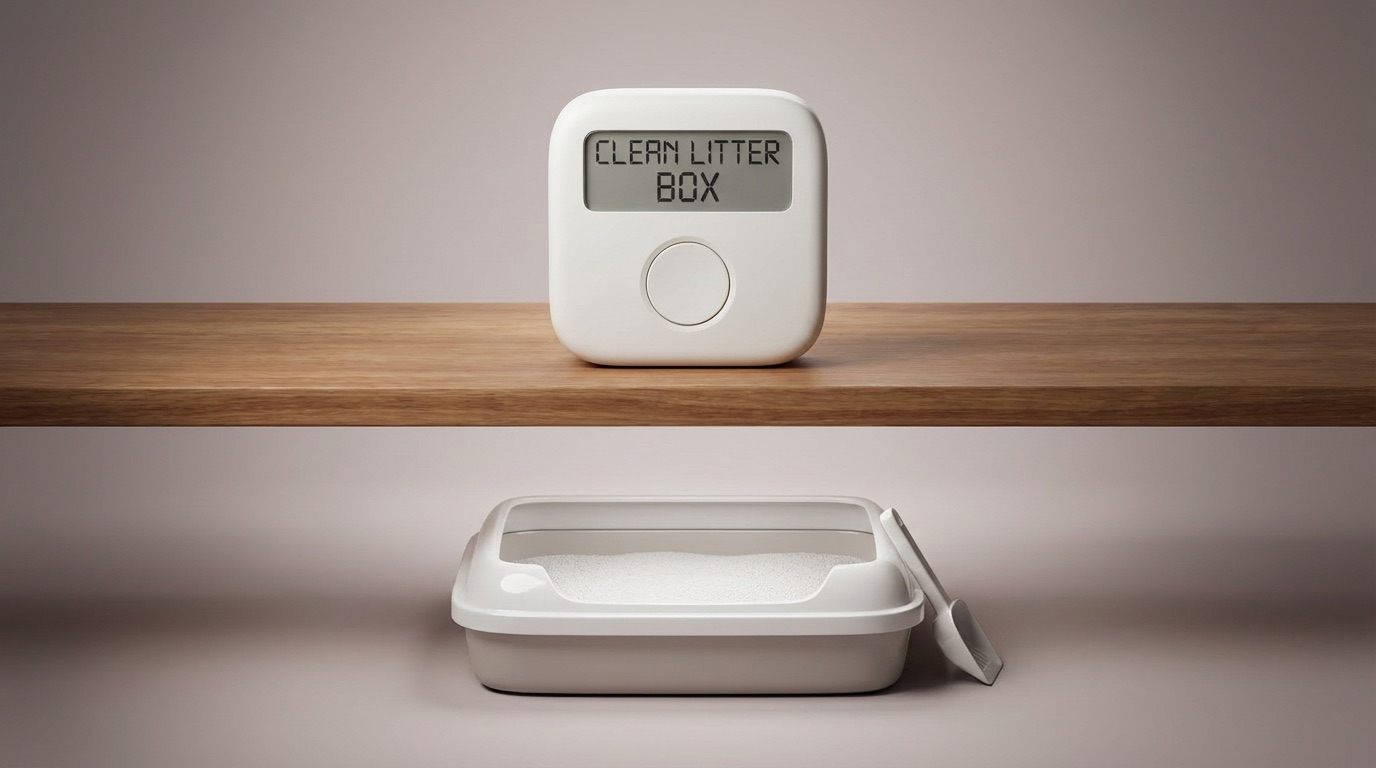
Pavclock showing a clean litter box task next to a litter box

Everyday home routines

The fit is wider than one habit. Pavclock can support the ordinary household routines that look simple on paper and still keep getting bumped to later.

Adults managing ADHD or executive dysfunction

For people who already know the task, but still find the first step unexpectedly slippery.

Parents building routines with kids

A shared physical prompt can feel calmer and clearer than repeating the same reminder out loud.

People choosing lower-screen tools

Some routines work better when the cue stays visible in the room instead of disappearing into software.

Hard transitions throughout the day

Useful where things tend to start late, drift, or get left half-done: bedtime, hygiene, breaks, or reset routines.

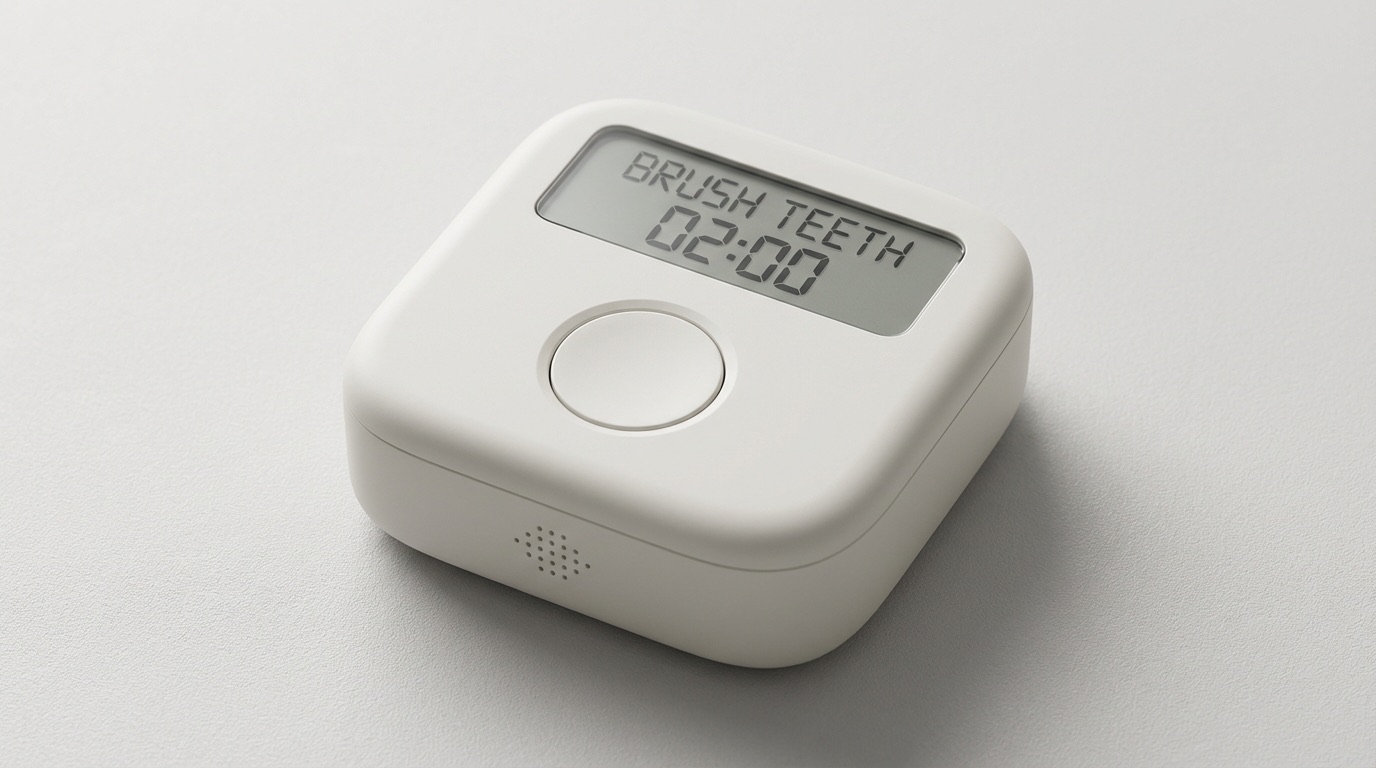
Close-up render of Pavclock showing the segmented display and main button

Display

Task name and countdown, without extra layers to think through.

Button

One obvious action in the center of the device: start, then confirm.

Body

Compact enough to stay visible on a counter, desk, or bedside.

Designed to be simple

The constraints are part of the value.

Pavclock does not try to become a full system for planning, tracking, or self-optimization. It narrows the job to one thing: helping someone start and complete a routine in the moment.

Intentional constraint

One obvious action

When you are already hesitating, more options do not help. The main button exists to move the task forward.

Intentional constraint

Intentionally simple display

Task name, countdown, status, and battery. Just enough information to support the routine without turning it into another interface to manage.

Intentional constraint

Dedicated hardware

No app feed, no notification stack, and no feature sprawl competing with the core job.

Common routines

Made for ordinary tasks that are easier to delay than to do.

The best Pavclock routines are concrete, repeated, and short enough that they often get postponed even though they only take a few minutes.

Bathroom

Morning basics

01

Short hygiene routines that are easy to postpone even when they only take a few minutes.

Examples

Brush teeth, wash face, take medication, night reset.

Why it fits

A clear start and end makes this kind of repeated routine a natural fit for Pavclock.

Bedside

Sleep and wake transitions

02

Useful for the routines that frame the beginning and end of the day.

Examples

Lights out, get up, stretch, pack a bag for tomorrow.

Why it fits

These are often simple transitions that still drift later than intended without a stronger cue.

Desk

Focus transitions

03

A visible device can help turn desk intentions into actual starts and stops.

Examples

Start deep work, begin a break, return after lunch, end-of-day shutdown.

Why it fits

Desk routines are easy to delay with “one more minute” unless the next step stays visible.

Kitchen

Home routines

04

Pavclock also suits the practical resets that keep a home moving.

Examples

Prep lunch, unload the dishwasher, start dinner, clean counters.

Why it fits

These chores are concrete, repeated, and easy to push back because they look deceptively small.

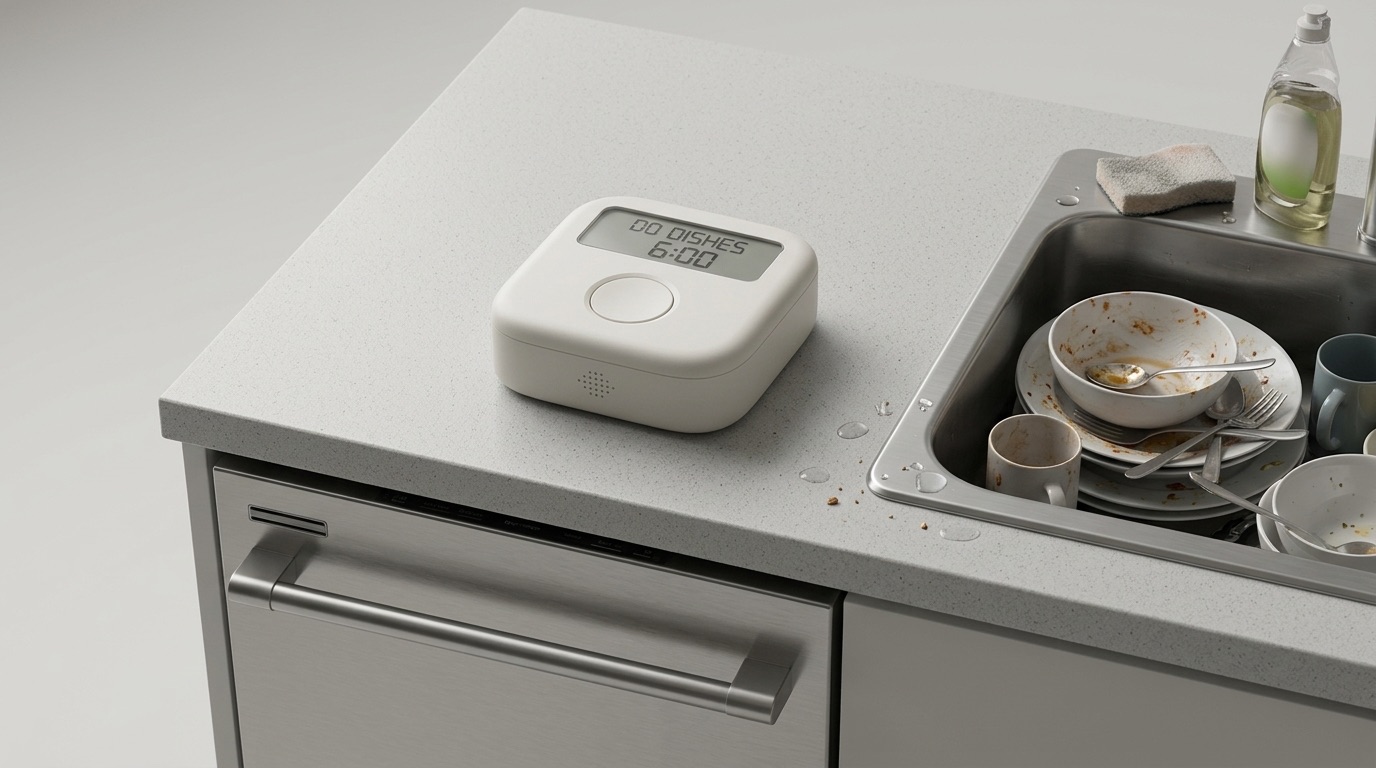
Pavclock on a kitchen counter showing a dishes task near a sink

Kitchen routines

Not every Pavclock task is a morning habit. It can also sit beside the chores that get postponed because they always seem easy to do later.

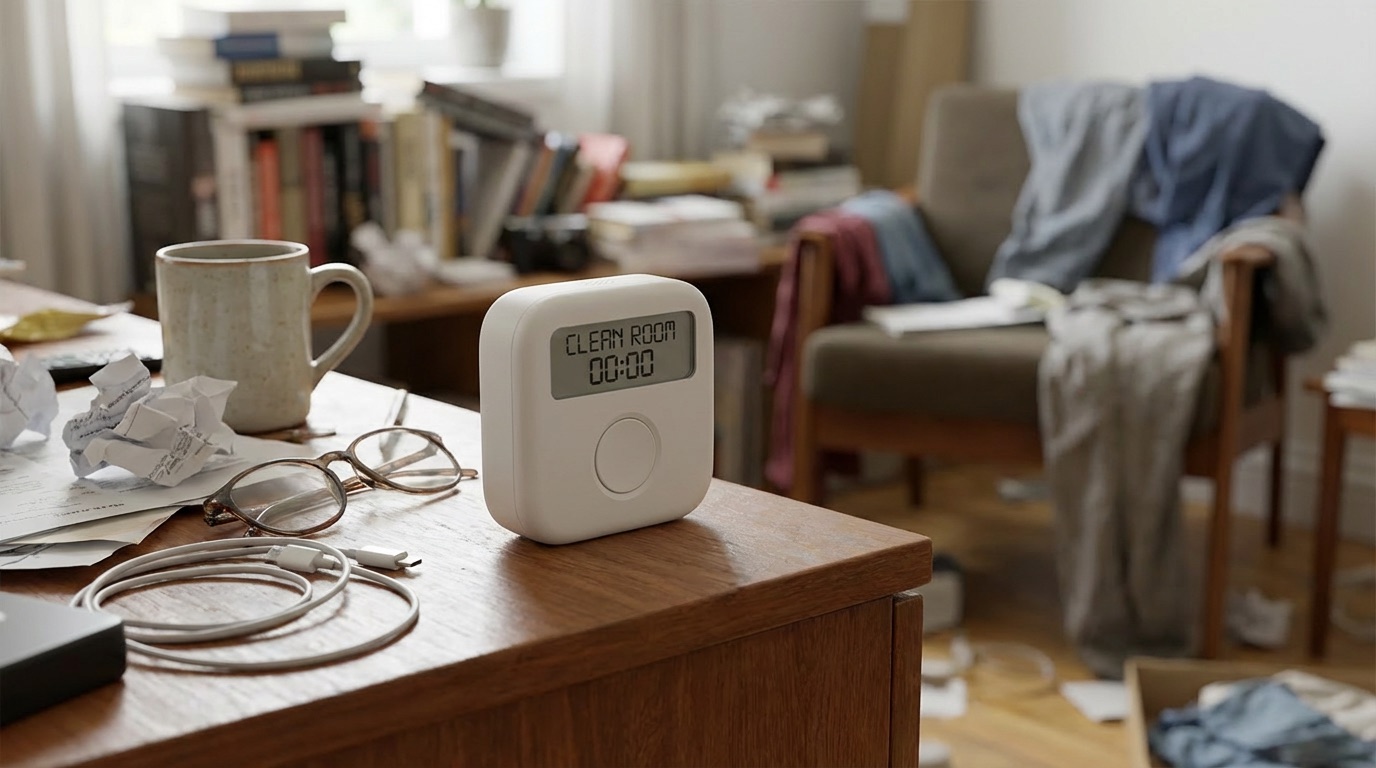
Pavclock on a table showing a clean room task in a lived-in home setting

Room resets

Pavclock also makes sense for the chores that look manageable until they keep getting deferred, like cleaning a room, tidying a desk, or starting a reset before the mess grows.

Behavioral logic

The hard part is often not knowing what to do. It is getting yourself to begin.

Pavclock is behaviorally grounded, not medical. The idea is to keep the cue visible, make the next action obvious, and make the routine feel unfinished until it is actually done.

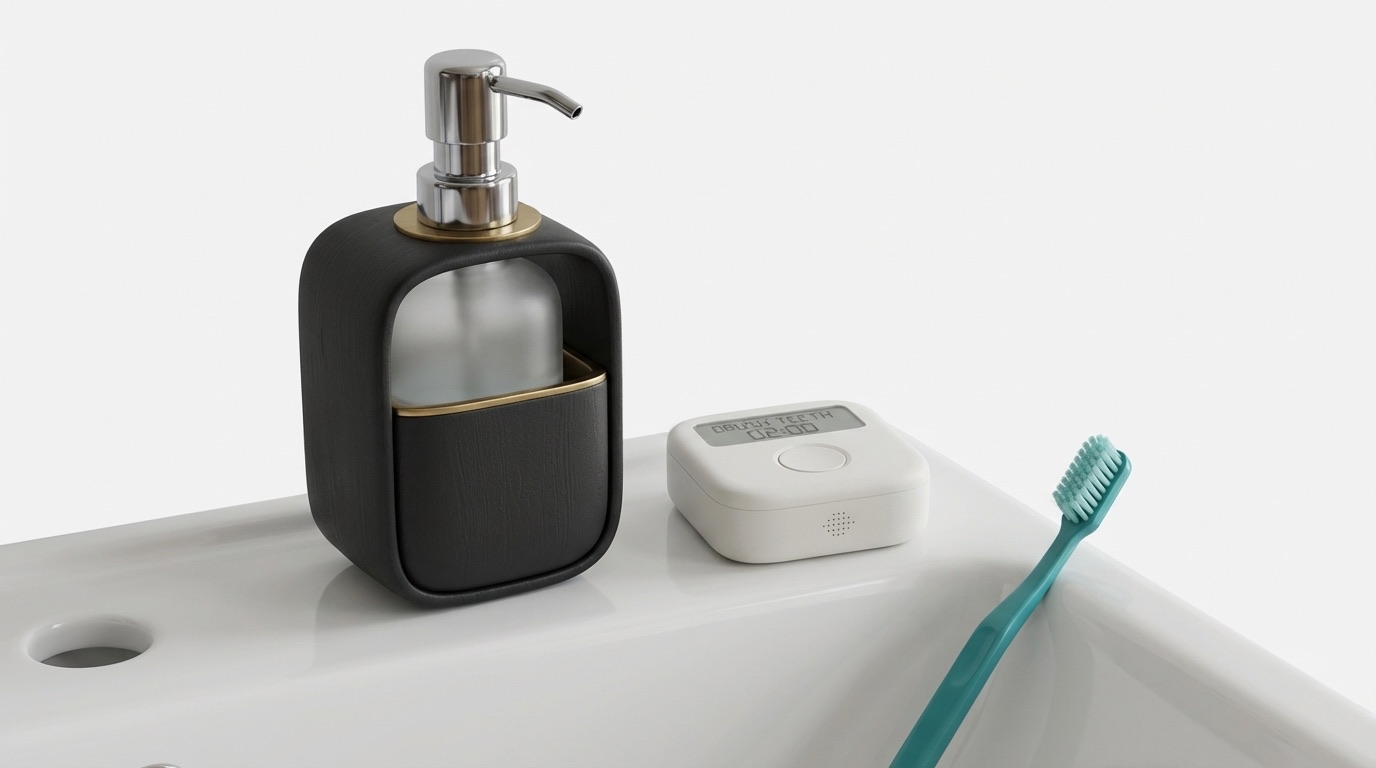
Pavclock resting on a bathroom counter next to a toothbrush

Why place matters

The cue works better when it lives where the task actually happens. On the counter, it stays in sight, out of the phone loop, and harder to put off for "one more minute."

Principle 01

Visible cue

01

The prompt stays in the environment long enough to matter.

What changes

The cue remains visible instead of vanishing behind the lock screen.

Why it matters

It is easier to begin when the reminder is still there in the room rather than already gone.

Principle 02

Physical commitment

02

A small physical action can help turn intention into movement.

What changes

Starting the task requires a deliberate press instead of a passive dismissal.

Why it matters

That small threshold can help interrupt the reflex to delay the task for another minute.

Principle 03

Completion loop

03

The routine is treated as unfinished until it is actually complete.

What changes

The loop does not end when the sound stops or the device is ignored.

Why it matters

That helps reduce the half-finished, almost-done routines that still need attention later.

Principle 04

Supportive escalation

04

The cue can grow more noticeable without feeling harsh.

What changes

If the routine stalls, Pavclock can increase urgency instead of fading quietly into the background.

Why it matters

It keeps the device supportive and persistent rather than easy to forget about completely.

Feedback

Help shape the first version of Pavclock.

If the idea feels familiar, tell us where it fits, where it does not, and what would make it useful enough to keep nearby.

Looking for:

Real use cases, honest hesitation, and the moments where a dedicated physical prompt might work better than another reminder that gets snoozed or ignored.

Early feedback matters most while the product is still this focused.

FAQ

Straight answers to the obvious questions.

The product story should feel understandable quickly, but these details help clarify what Pavclock is, what it is not, and how it is being built.

Is Pavclock just an alarm clock?+

No. An alarm clock asks whether you heard it. Pavclock asks whether you started, stayed with the task, and finished.

Do I need an app to use it?+

The concept is centered on a standalone device. A future setup layer could exist, but the daily value should not depend on opening an app.

Is it a medical device?+

No. Pavclock is presented as a behavior-support product for routines and follow-through, not as a medical device or treatment.

What kinds of routines fit best?+

Short, repeated tasks with a clear start and end tend to fit best: hygiene, transitions, resets, and other routines that are easy to postpone even when they are simple.

Could it live in places like a bathroom or kitchen?+

That is part of the intent. The physical concept assumes a durable, battery-powered object designed for everyday environments.

What stage is Pavclock at?+

Pavclock is still taking shape. This page exists to make the concept tangible enough for real feedback before the first version gets locked in.

Final call

If this feels familiar, join early.

Pavclock is still being built. Join early access for meaningful updates, prototype progress, and a chance to help shape what the first version includes and leaves out.

No spam and no fake urgency, just thoughtful updates as the first version takes shape.